
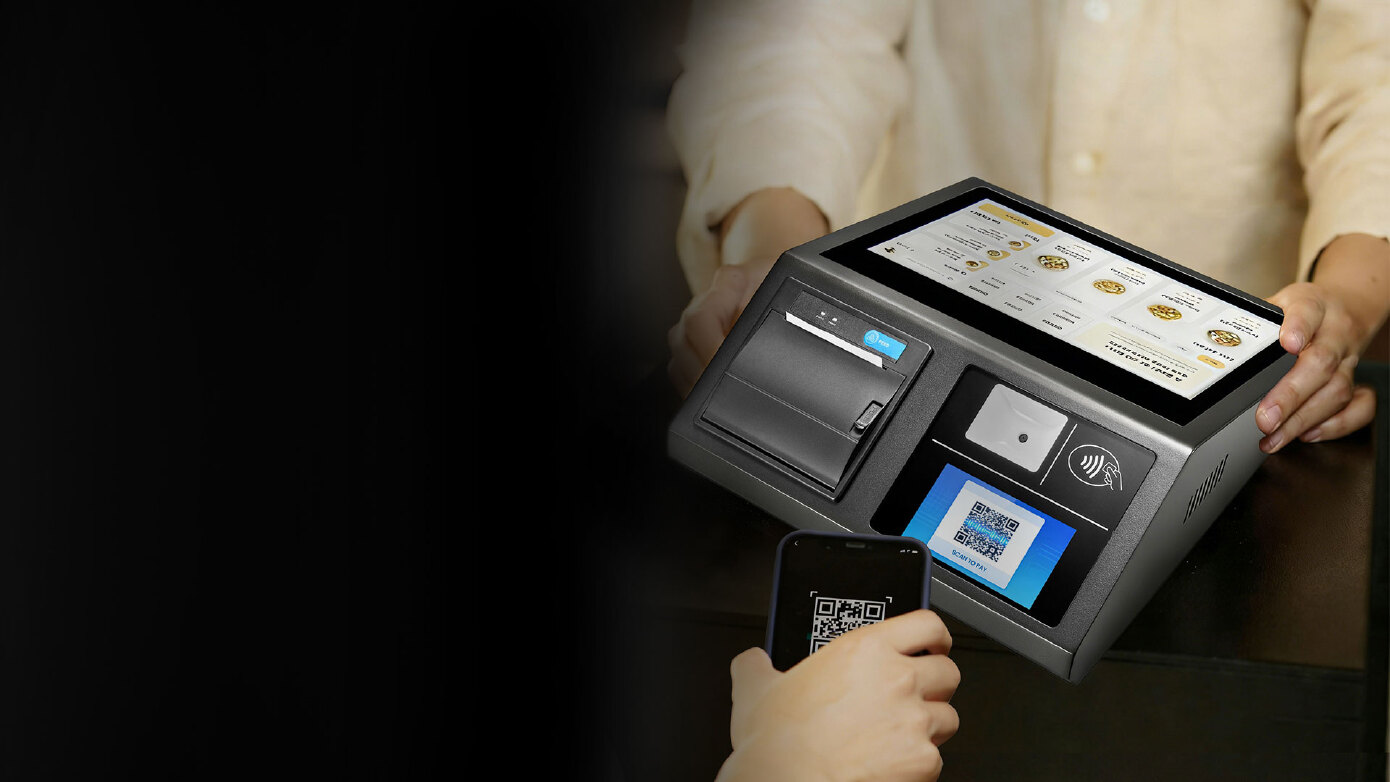
Modern checkout environments require more than individual pieces of hardware working independently. Businesses increasingly need terminals, scanners, printers, displays, payment peripherals, and software to operate together as a coordinated system.
A POS System Manufacturer helps make this possible by designing hardware with integration, reliability, and usability in mind. The development process typically involves several stages, from identifying business requirements to testing how different components perform together.
Understanding Checkout Requirements
The development of an integrated POS solution usually begins with understanding how businesses process transactions. Retail stores, restaurants, supermarkets, and other operations can have very different checkout workflows.
Manufacturers consider factors such as transaction volume, available counter space, peripheral requirements, connectivity, and the environment in which the equipment will be used.
Designing the Core POS Terminal
The central terminal is often the foundation of an integrated checkout setup. Manufacturers select components that provide sufficient processing performance while keeping the device practical for commercial environments.
Design considerations can include:
- Screen size and touchscreen responsiveness
- Processor and memory configuration
- Storage capacity
- Port availability
- Physical durability
- Power requirements
- Mounting and positioning options
The objective is to create a terminal that supports the intended workload without unnecessary complexity.
Integrating Essential Peripherals
A checkout system may depend on several connected devices. Manufacturers design POS hardware with the necessary ports and communication standards to support these peripherals.
Barcode scanners can capture product information, receipt printers can produce transaction records, and cash drawers can provide secure storage for cash. Customer-facing displays may also be incorporated where businesses need to show transaction details.
Supporting Multiple Connectivity Options
Integrated checkout solutions often need to function within different technical environments. Manufacturers may support connections such as USB, Ethernet, Wi-Fi, Bluetooth, or other relevant interfaces.
Selecting appropriate connectivity options helps ensure that peripherals can communicate reliably with the central POS system. It can also provide businesses with greater flexibility when configuring their checkout areas.
Focusing on User-Friendly Design
Checkout employees interact with POS equipment throughout their shifts, so usability is an important part of hardware development. Screens should be easy to view and operate, while peripherals should be positioned for efficient workflows.
Ergonomic considerations can help reduce unnecessary movement and make routine transactions more straightforward. Good design also considers cable management, accessibility, and the physical layout of the checkout area.
Building for Commercial Durability
POS equipment may operate continuously in demanding environments. Manufacturers therefore need to consider materials, component quality, heat management, and physical construction during development.
Durable hardware can help businesses reduce interruptions and extend equipment lifespans. Testing under realistic operating conditions is an important part of assessing whether a design is ready for commercial use.
Testing Hardware Integration
Individual components may perform well on their own but still experience problems when connected together. Integrated solutions therefore require testing across the complete hardware configuration.
Manufacturers can evaluate communication between terminals and peripherals, device stability, connectivity, and overall transaction workflows. Identifying problems during development can reduce issues during deployment.
Considering Software Compatibility
Hardware integration also depends on software compatibility. POS terminals and peripherals need to work with the applications responsible for processing transactions and managing business data.
Manufacturers may design equipment around common software environments and industry standards. Businesses should still verify compatibility between their chosen hardware and POS software before deployment.
Planning for Different Business Environments
Integrated checkout solutions are not limited to one type of business. A small retail counter may require a compact configuration, while a supermarket or high-volume operation may need multiple terminals and peripherals.
Manufacturers can develop product ranges and configurations that accommodate different transaction volumes, layouts, and operational requirements. This allows businesses to select equipment based on their specific checkout workflows.
Maintaining and Updating the Product
Development does not necessarily end once hardware reaches the market. Manufacturers may provide firmware updates, technical documentation, replacement components, and revised models throughout a product’s lifecycle.
Ongoing product support can help businesses maintain their checkout systems and address compatibility or performance requirements as technology changes.
Conclusion
Developing an integrated checkout solution requires coordination between hardware design, connectivity, software compatibility, usability, and durability. Each component needs to work reliably as part of the larger system rather than functioning as an isolated device.
By focusing on these areas during development and testing, POS system manufacturers can create checkout hardware that supports efficient workflows and adapts to different commercial environments. For businesses, understanding this process can make it easier to evaluate POS solutions based on long-term functionality rather than individual devices alone.